As the traffic manager that routes data between various networks, a router is an essential component of every network. Imagine it as a dispatcher who determines the most effective path for data to take in order to make sure that it gets from point A to point B promptly and effectively. These days, a lot of routers have Wi-Fi built in, so wireless devices may connect to the internet without using wires. Among the key aspects to consider when selecting a router are the newest Wi-Fi standards, such as Wi-Fi 6, which provide improved performance and quicker speeds. Additionally, you should think about the router’s coverage area, speed, number of frequency bands it supports (tri-band or dual-band for greater performance), security features like built-in firewalls, and the quantity of wired Ethernet ports that are available.
Routers are essential in many contexts, including small and large corporations, homes, and businesses. In a residential setting, a router offers smooth network access by connecting all of your devices—including computers, game consoles, smart TVs, and smartphones—to the internet. Routers are used by small organizations to control network traffic and provide a dependable and secure internet connection for all users. High-end routers are made to meet specific requirements, including offering strong security capabilities to safeguard confidential company data or low-latency connections for gaming. With the correct router, your network may function quickly, securely, and dependably—according to your unique requirements and surroundings.
Quick List:
Netgear Nighthawk RS700S (The Ultimate Wi-Fi 7 Router)
TP‑Link Archer BE900 (High-End Powerhouse)
ASUS RT‑BE96U (Balanced Wi-Fi 7 Performance)
TP‑Link Deco BE63 (Mesh) (Best for Whole-Home Coverage)
GL.iNet GL‑MT6000 (Flint 2) (Best VPN and Advanced Users)
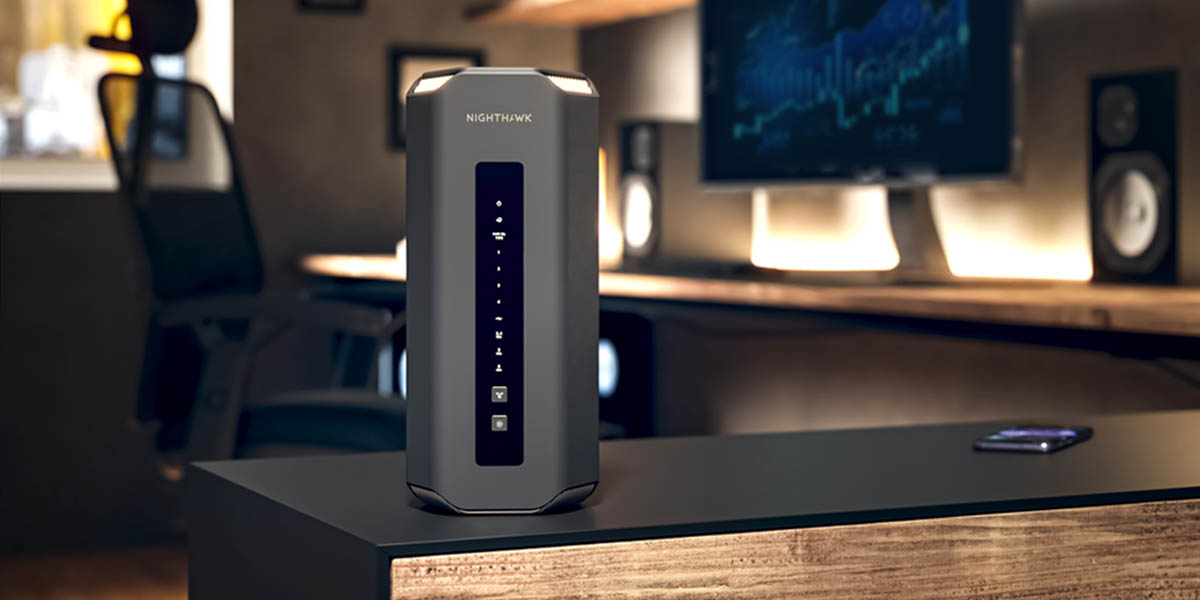
Netgear Nighthawk RS700S
Why we love it:
Wi-Fi standard: Wi-Fi 7
Top speed: up to 19 Gbps
Coverage: ~3,500 sq ft
Ports: 2×10Gb Ethernet
Pros:
Lightning-fast Wi-Fi 7 speeds
Ideal for gaming and multi-device homes
Multi-gig internet support
Cons:
Premium price
Advanced setup may be tricky for beginners
Verdict: Perfect for those who want future-proof performance and maximum speed.
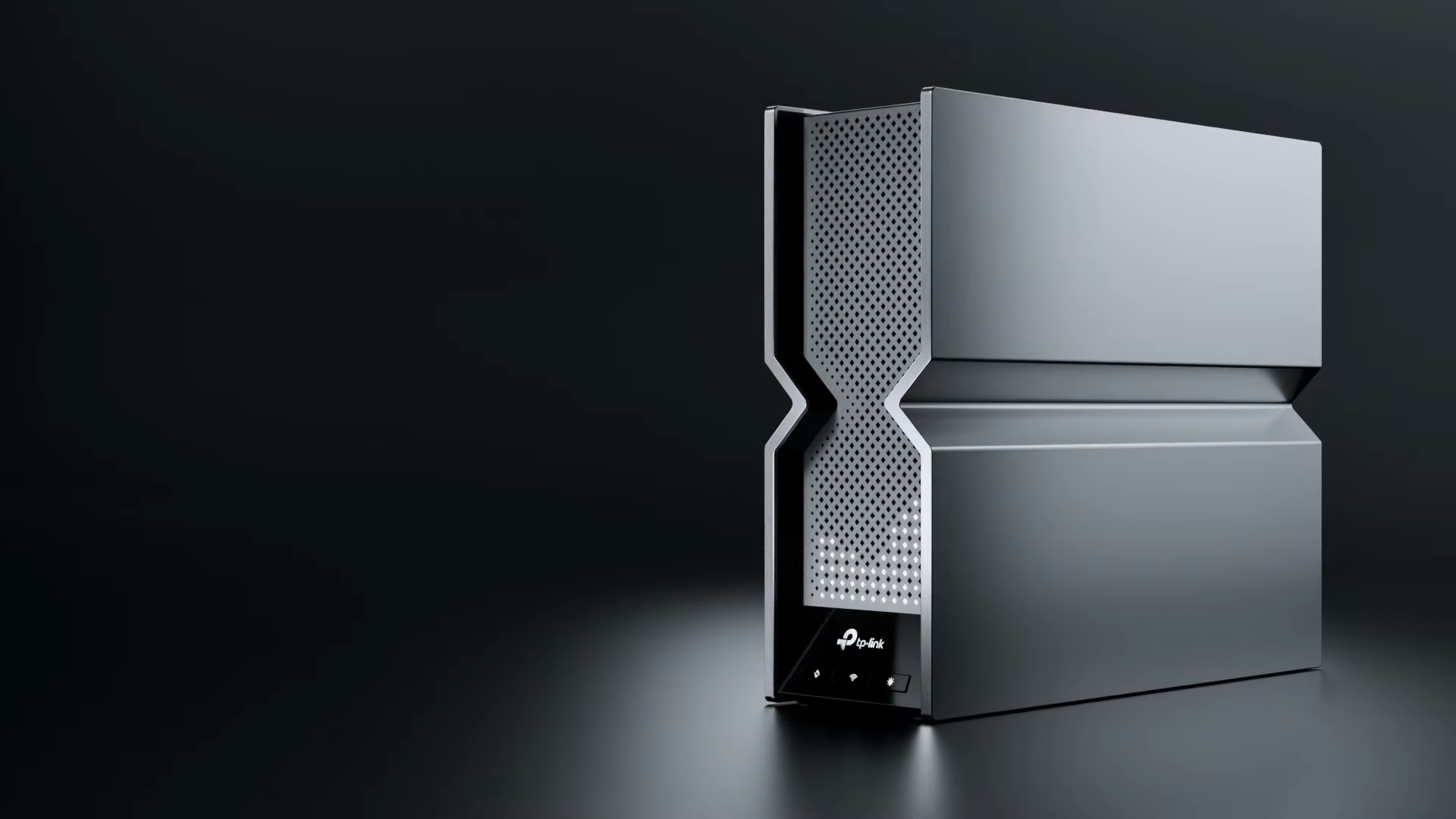
TP-Link Archer BE900
Why we love it:
Wi-Fi 7 tri-band router
Supports multi-gig internet connections
Handles 100+ devices
Pros:
Very strong Wi-Fi 7 performance
Excellent for heavy streaming and gaming
Multi-Link Operation (MLO) reduces latency
Cons:
Slightly bulky design
Price is on the higher side
Verdict: A top performer for large homes and tech-savvy users.
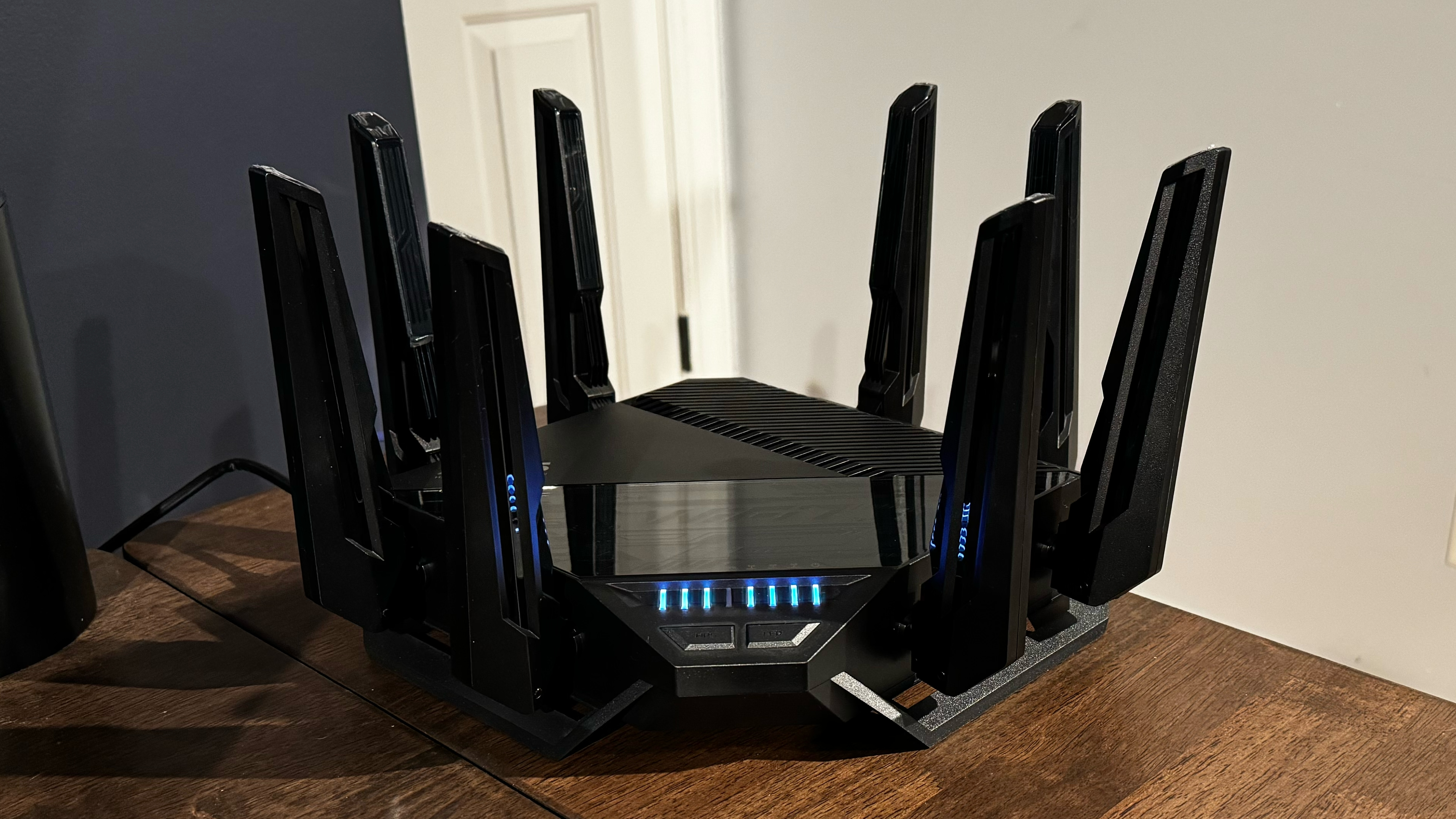
ASUS RT-BE96U
Why we love it:
Wi-Fi 7 quad-band router
High real-world speeds
Stable coverage for medium to large homes
Pros:
Balanced speed and coverage
Good security features
Reliable for smart home setups
Cons:
Expensive compared to mid-range routers
Setup may require technical knowledge
Verdict: Great all-rounder for households that need both speed and stability.
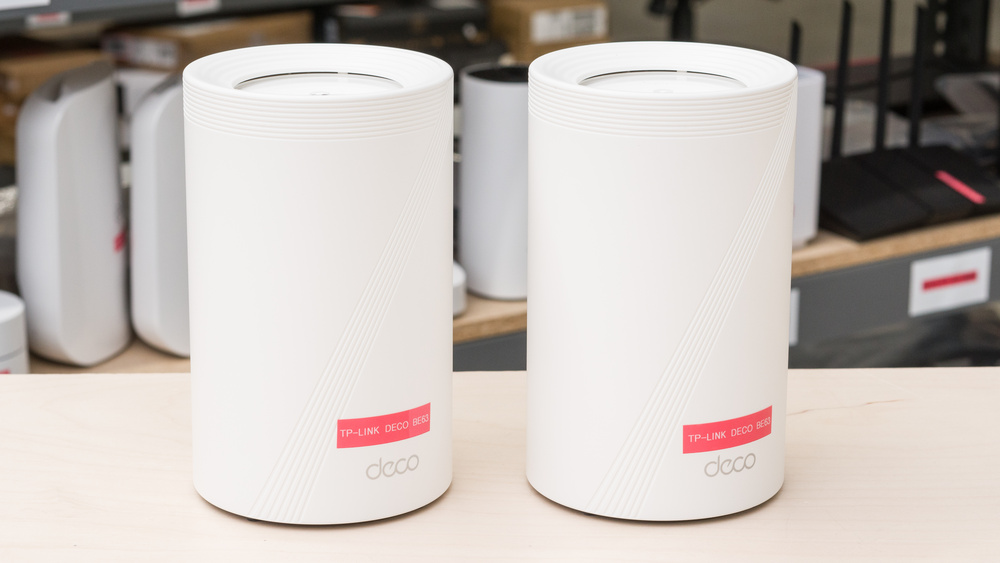
TP-Link Deco BE63 (Mesh)
Why we love it:
Wi-Fi 7 mesh system
Covers up to 7,600 sq ft with multiple nodes
Easy app-based management
Pros:
Eliminates Wi-Fi dead zones
Supports many devices simultaneously
Easy setup for beginners
Cons:
Mesh nodes take up more space
Slightly weaker 2.4 GHz band
Verdict: Perfect for large homes or offices that need seamless coverage.
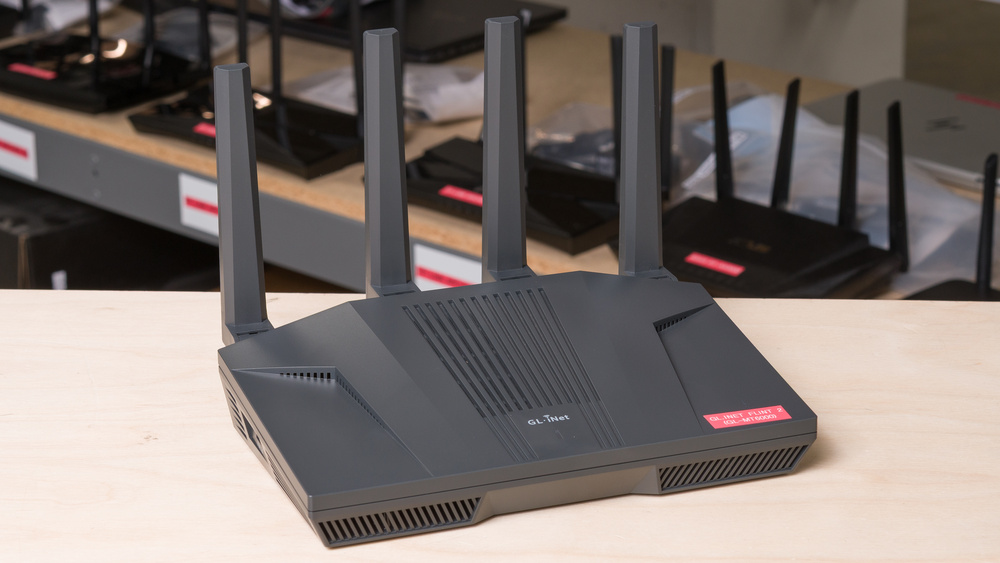
GL.iNet GL-MT6000 (Flint 2)
Why we love it:
Wi-Fi 6 AX6000 router
2×2.5 Gb Ethernet ports for fiber internet
Optimized for VPN speed (~900 Mbps)
Pros:
Strong performance for gaming and VPN
OpenWrt firmware for customization
Multi-gig connectivity
Cons:
Not Wi-Fi 7, so slightly less future-proof
More complex setup for beginners
Verdict: Ideal for tech-savvy users who need VPN, gaming, or advanced networking features.

Eero 6
Pros:
- Affordable pricing for a Wi-Fi 6 mesh system
- Easy setup and management through the Eero app
- Reliable coverage for medium to large homes
- Supports Wi-Fi 6 for faster speeds and better capacity
- Automatic software updates for improved security
- Supports Alexa for voice control
Cons:
- Limited advanced features compared to higher-end systems
- No support for 2.5GbE or 10GbE Ethernet ports
- Lacks dedicated backhaul band for improved performance in larger homes
- May not offer the highest speeds for very demanding tasks like 4K streaming or gaming
The Eero 6 is an affordable Wi-Fi 6 mesh system that provides dependable performance and user-friendly operation for medium to large residences. It boasts enhanced speeds, increased capacity, and consistent coverage, all facilitated by a straightforward setup process through the Eero app. Additionally, it is compatible with Alexa, allowing for voice command control. However, it does not include advanced features such as 2.5GbE or 10GbE Ethernet ports and lacks a dedicated backhaul band, which may affect its performance in larger, more demanding settings. While it is well-suited for everyday use, it may not be ideal for intensive activities like 4K streaming or gaming.

TP-Link Deco BE63
Pros:
- Wi-Fi 6E support with a dedicated 6GHz band for faster speeds and better capacity
- Tri-band system for improved coverage and performance
- Advanced security features with TP-Link HomeShield for malware protection and parental controls
- Easy setup and management via the Deco app
- Mesh networking for seamless coverage across large areas
Attractive design that fits most home setups
Cons:
- Expensive compared to non-Wi-Fi 6E mesh systems
- Lacks 2.5GbE or 10GbE Ethernet ports for ultra-fast wired connections
- Limited customization options for advanced users
- May not be necessary for smaller homes or basic usage
The TP-Link Deco BE63 is a high-end Wi-Fi 6E mesh system tailored for users who require exceptionally fast speeds and extensive coverage. By incorporating support for the new 6GHz band, it delivers superior performance suitable for larger residences, making it perfect for intensive tasks such as gaming, streaming, and managing smart home devices. The Deco app simplifies both setup and management, while TP-Link HomeShield provides comprehensive security features. However, it is priced at a premium and does not include advanced Ethernet options such as 2.5GbE or 10GbE ports. This system is an excellent choice for larger homes or technology-savvy users, but it may be excessive for smaller, less demanding settings.